Creating a cozy and inviting home workspace is essential for anyone who spends significant time working from home. A thoughtfully designed workspace can improve focus, reduce stress, and make your workday more enjoyable. Whether you have a dedicated office room or a small corner in your living space, these tips will help you make your work area comfortable and appealing.
Choose the Right Location
Consider Natural Light
Natural light has a positive effect on mood and energy levels. Position your desk near a window to take advantage of daylight. If natural light is limited, opt for warm, soft artificial lighting that mimics sunlight.
Minimize Distractions
Select a quiet spot away from high-traffic areas, such as the kitchen or main hallway. This helps maintain concentration and creates a sense of separation between work and relaxation spaces.
Invest in Comfortable Furniture
Ergonomic Chair and Desk
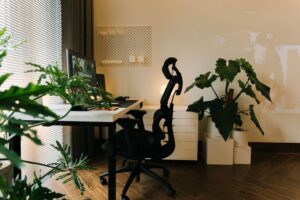
Comfort is key. Choose an ergonomic chair that supports your back and encourages good posture. Pair it with a desk at the right height to prevent strain on your wrists and shoulders.
Flexible Options
If space allows, consider a sit-stand desk that lets you alternate between sitting and standing. This can promote movement and reduce fatigue.
Personalize Your Workspace
Add Soft Textures
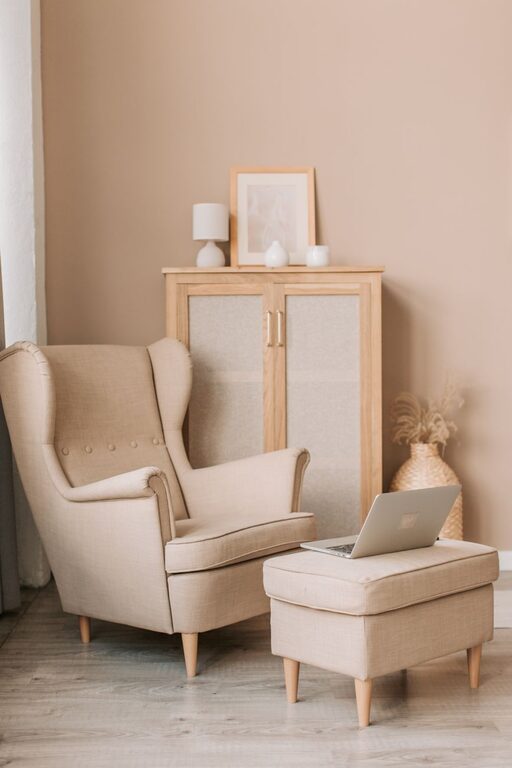
Incorporate cushions, rugs, or blankets to add warmth and softness to your workspace. These comforting elements help create a cozy atmosphere.
Use Calming Colors
Choose colors that promote relaxation and focus, such as soft blues, greens, or neutral tones. Avoid overly bright or harsh colors that might cause stress or discomfort.
Display Inspiring Items
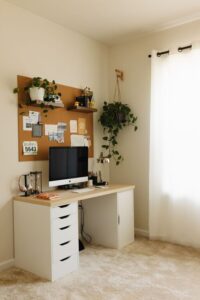
Decorate with plants, personal photos, or artwork that motivates you. Greenery, especially, can enhance creativity and reduce stress.
Organize to Reduce Clutter
Utilize Storage Solutions
Keep your workspace tidy with shelves, drawers, or organizers. A clean area encourages productivity and minimizes distractions.
Embrace Minimalism
Only keep essential items on your desk. This simplification keeps the space inviting and prevents feelings of overwhelm.
Optimize Lighting
Layer Your Lighting
Combine ambient (room) lighting with task lighting like desk lamps. Adjustable lamps help focus light where you need it most, reducing eye strain.
Choose Warm Light Bulbs
Soft, warm light bulbs create a welcoming glow, ideal for a workspace meant to feel cozy as well as practical.
Create a Routine-Friendly Setup
Keep Essentials Within Reach
Arrange your most-used tools — pens, notebooks, chargers — nearby to avoid interrupting your workflow.
Include Break Prompts
Add items that remind you to take breaks, such as a timer or a small clock. Taking regular breaks improves concentration and comfort.
Maintain Good Air Quality
Ventilation Matters
Good airflow prevents stuffiness and keeps you alert. Open a window when possible or use a small fan or air purifier.
Bring in Plants
Besides decoration, plants help improve air quality and add a natural vibe to your workspace.
Add Personal Comfort Touches
Temperature Control
Keep a blanket or small space heater handy if your workspace tends to get cold. Staying comfortable physically helps maintain focus.
Sound Management
If distracting noises are a problem, try noise-canceling headphones or gentle background music tailored to your preferences.
—
Creating a workspace that feels cozy and inviting doesn’t require a large budget or extensive remodeling. By paying attention to lighting, comfort, organization, and personal touches, you can design an area that supports both your productivity and well-being. Take time to experiment and adjust your space until it feels just right—after all, this is where you spend your time working, so it should be a place where you want to be.